
Sign In
Use the following steps to sign in to the NDBEDP Centralized Database.
-
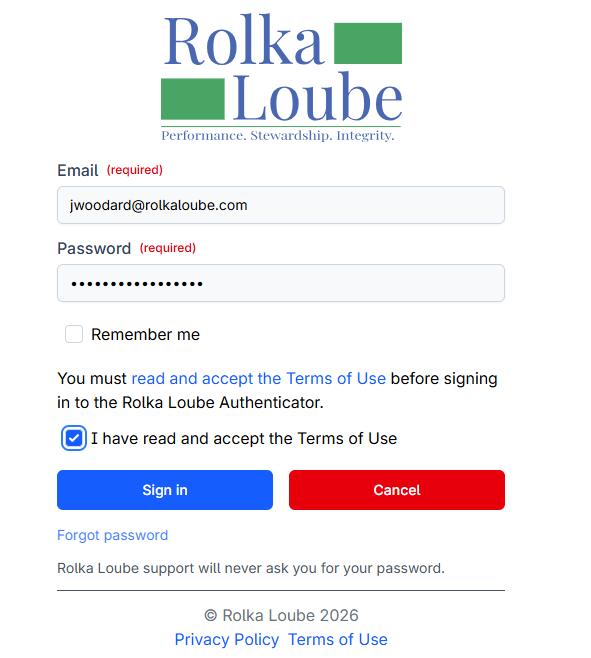
Navigate to https://ndbedp.rolkaloube.com.
-
Enter your email and password.
-
Select the checkbox to agree to the Terms of Use.
-
Select Sign in. The Authorization page appears.
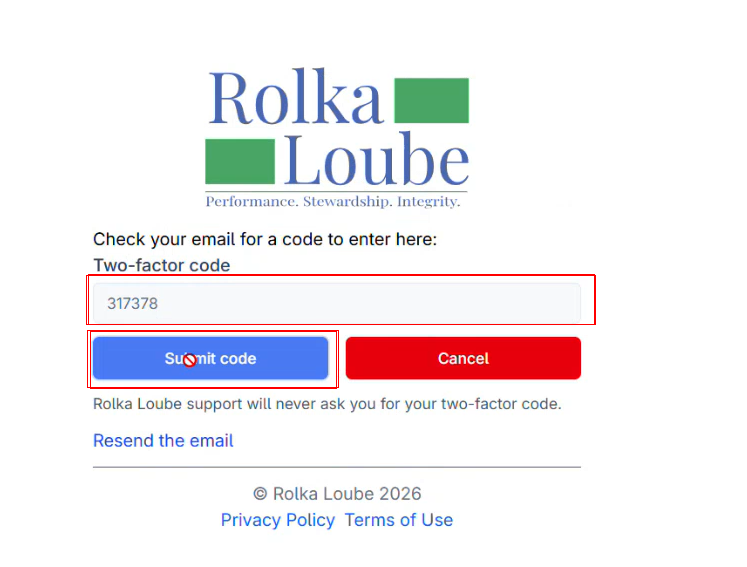
-
Enter the two-factor authentication code sent to your email.
-
Select Submit Code. The Confirmation page appears.
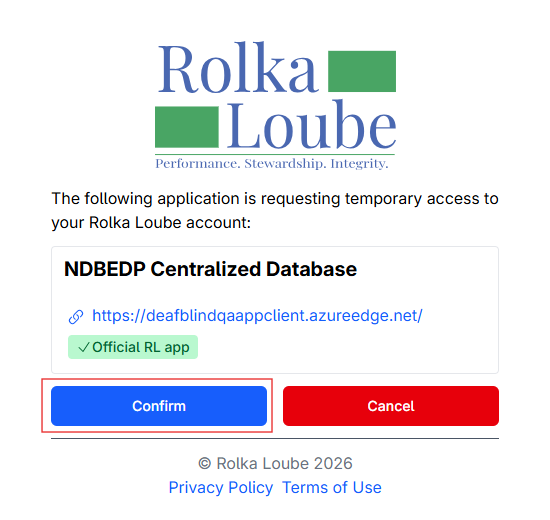
7. Select Confirm. The NDBEDP Centralized Database Home page appears.
Sign Out
Use the following steps to sign out of the NDBEDP Centralized Database.
-
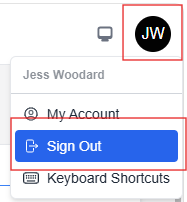
Select the profile icon in the upper - right corner of the page.
-
Select Sign Out from the drop-down menu.
-
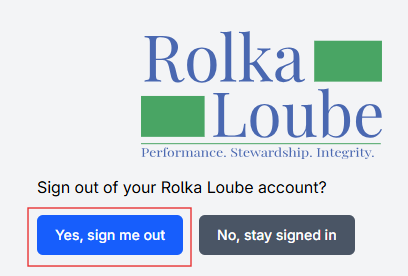
Select Yes, Sign me out.