
Use the steps below to add an Authorized Signer.
-
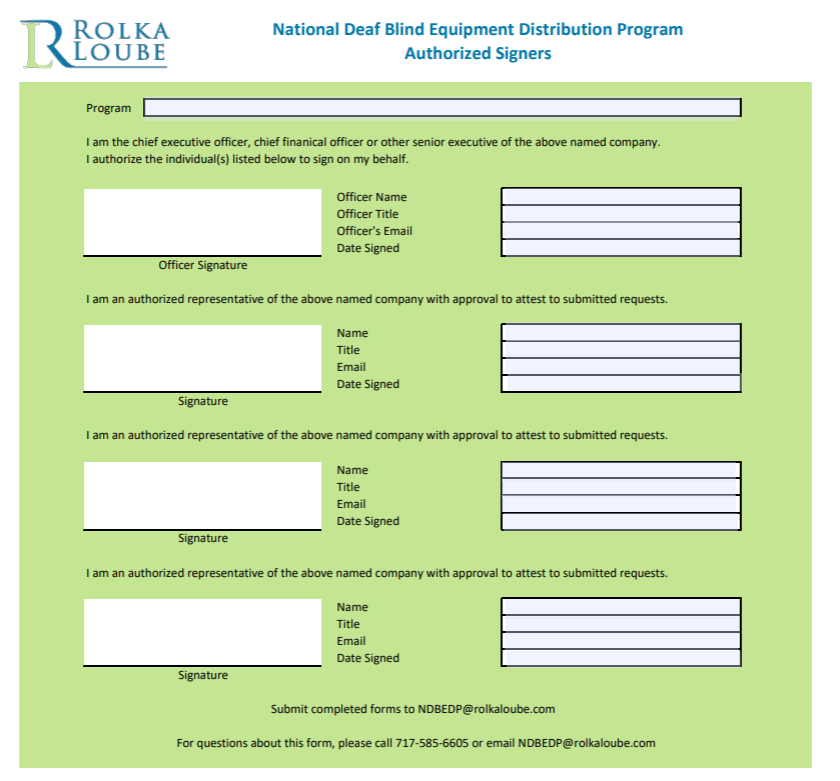
Download this form from https://rolkaloube.com/programs/ndbedp
-
Enter the necessary data into the fields.
-
Email the form to ndbedp@rolkaloube.com.
-
Access the Rolka Loube Authenticator at Sign in | Rolka Loube Authenticator.
-
On the navigation panel, select User Management.
-
Ensure the tenant (organization) to which you want to add the user is selected in the first drop-down box in the upper-right hand corner of the page.
-
Select Role Assignments.
-
Assign the user the authorized signer role.
For more information about assigning roles, see Managing Users and Roles.