
Use the following steps to delete a First Contact Upload.
-
Log in to the NDBEDP Centralized Database. The NDBEDP Centralized Database Home page appears.
-
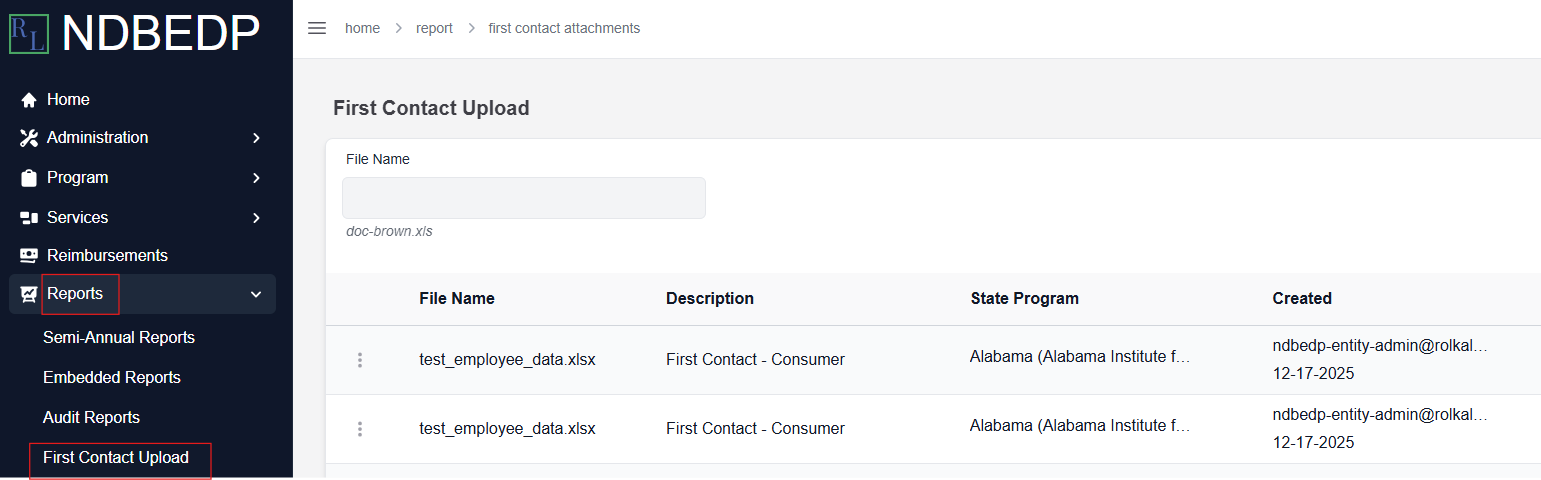
Select Reports from the navigation panel.
-
Select First Contact Upload from the drop-down menu.
-
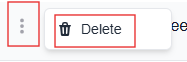
Select the three dots next to the First Contact Upload you want to delete.
-
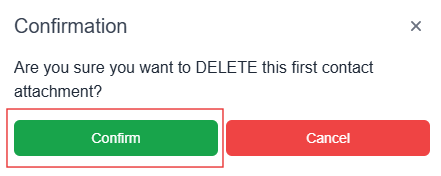
Select Delete from the drop-down menu. The Confirmation pop-up window appears.
-
Select Confirm. The message Successfully Saved! appears in green.