
Use the following steps to clear your cache using Google Chrome.
-
Open Google Chrome on your computer.
-
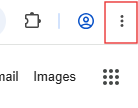
Select the three dots in the upper right-hand corner of the page.
-
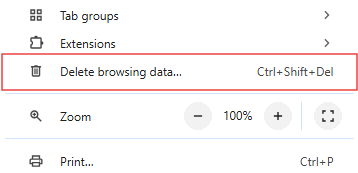
Select Delete browsing data from the drop-down menu. The Delete browsing data pop-up window appears.
-
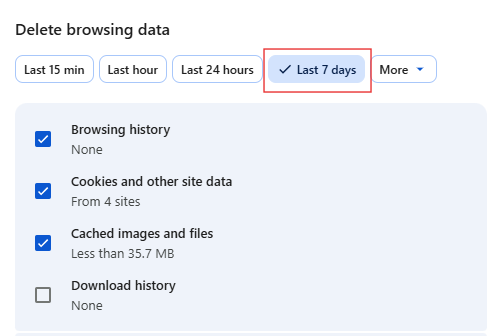
Select Last 7 days.
Note: Make sure that Browsing history, Cookies and other site data, and Cached images and files are selected.
-
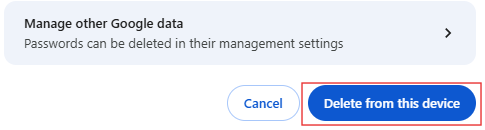
Select Delete from this device.