
Divide cost across line items is one of the three Mass Costs allocation methods in the NDBEDP Centralized Database. It is used when you have one total dollar amount that you want to split equally among multiple selected line items. Use the following steps to divide a cost across line items.
-
Log in to the NDBEDP Centralized Database. The NDBEDP Centralized Database Home page appears.
-
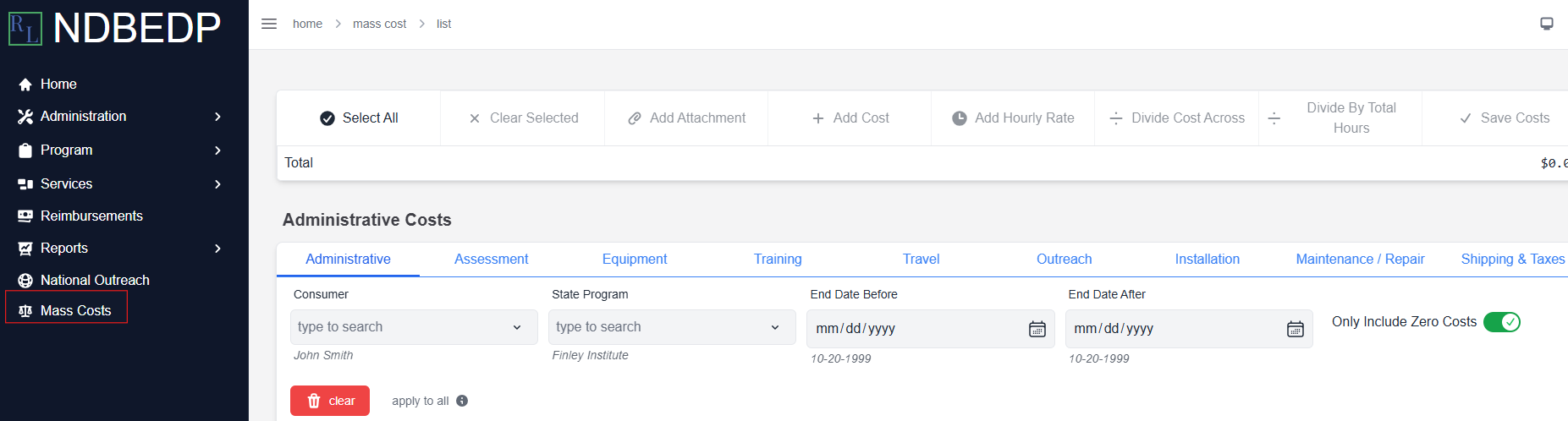
Select Mass Costs from the navigation panel.
-
Select the line items from which you want to divide a cost by using the search option.
-
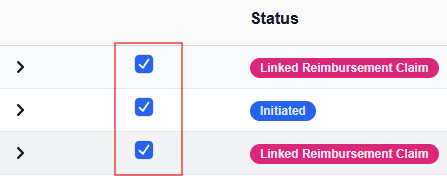
Select the checkbox to the left of each line item from which you want to divide a cost.
Note: Select the carrot to view the details of each line item.

-
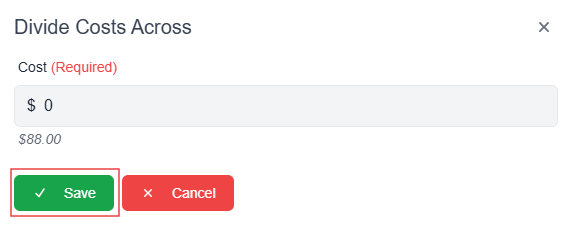
Select Divide Cost Across. The Divide Costs Across pop-up window appears.
-
Enter the cost you want to divide across the selected line items into the Cost field in dollars and cents.
-
Select Save.
Note: The total cost of the selected line items appears on the green Total line at the top of the page.

-
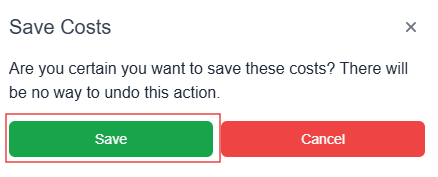
Select Save Costs. The Save Costs pop-up window appears.
-
Select Save. The message Successfully Saved! appears in green.
Note: You cannot undo saved costs.