
Use the following steps to reset a line item to zero.
-
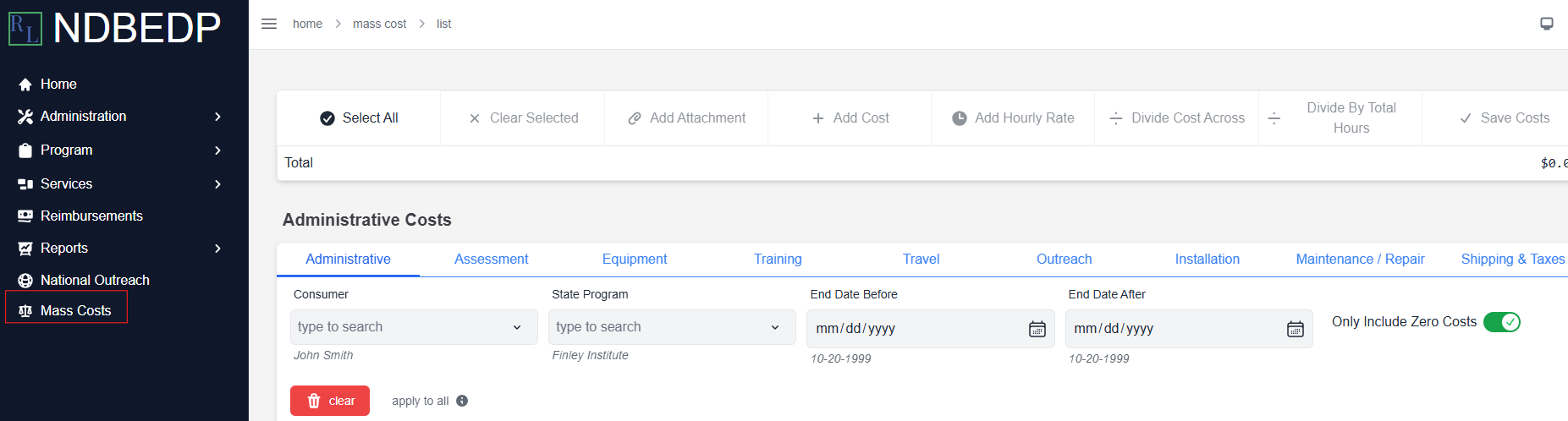
Log in to the NDBEDP Centralized Database. The NDBEDP Centralized Database Home page appears.
-
Select Mass Costs from the navigation panel.
-
Select the line items you want to reset to zero by using the search option.
-
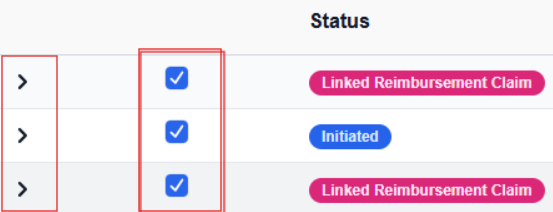
Deselect the checkbox next to the line item you want to reset. That line item's cost is reset to $0.00, while leaving the costs on the remaining selected line items unchanged.
Note: Select the carrot to view the details of each line item.