
All modifications must be completed before submitting your Reimbursement Claim. You will not be able to modify a Reimbursement Claim once it has been submitted.
Use the following steps to remove existing line items from a Reimbursement Claim.
-
Log in to the NDBEDP Centralized Database. The NDBEDP Centralized Database Home page appears.
-
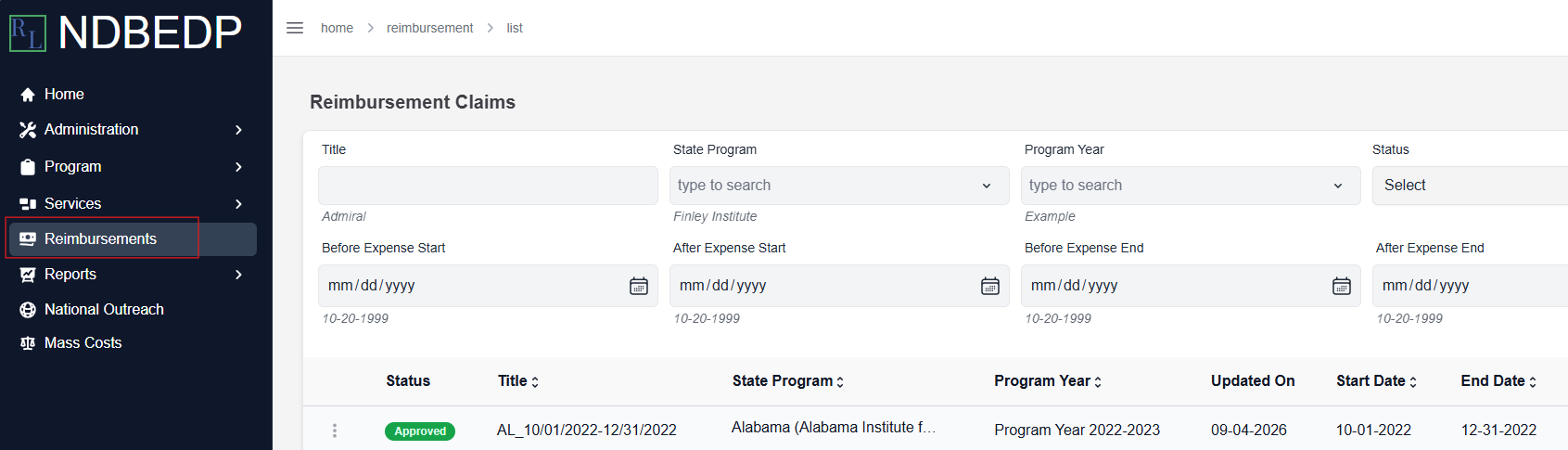
Select Reimbursements from the navigation panel.
-
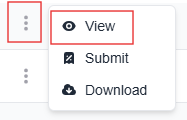
Select the three dots next to the Reimbursement Claim you want to modify.
-
Select View from the drop-down menu. The Reimbursement Claim Details page appears.

-
Select the Costs tab.
-
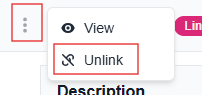
Select the three dots next to the line item you want to remove.
-
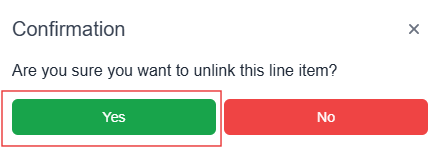
Select Unlink from the drop-down menu. The Confirmation pop-up window appears.
-
Select Yes. The message Successfully unlinked line item! appears in green.

-
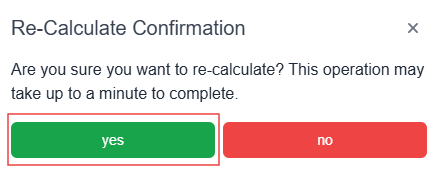
Select Re-Calculate to recalculate your total costs. The Re-Calculate Confirmation pop-up window appears.
Note: This operation may take up to a minute to complete.
-
Select yes. The message Re-calculation complete! appears in green.