
Use the following steps to submit a Reimbursement Claim if you are an authorized signer.
-
Log in to the NDBEDP Centralized Database. The NDBEDP Centralized Database Home page appears.
-
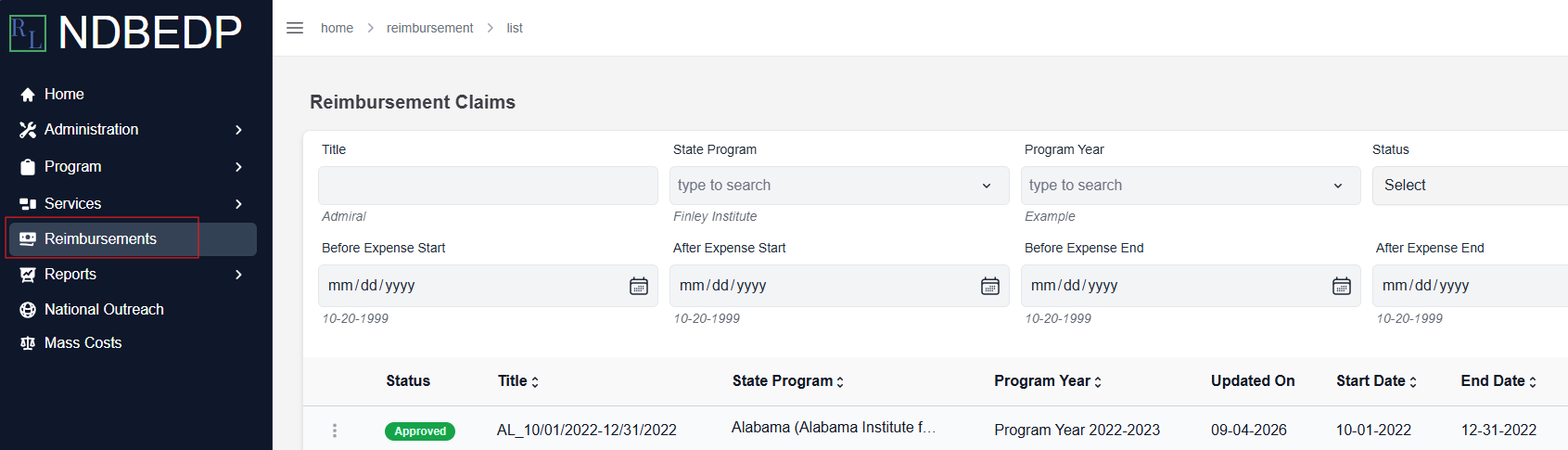
Select Reimbursements from the navigation panel.
-
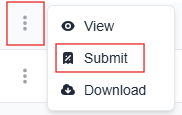
Select the three dots next to the Reimbursement Claim you want to submit.
-
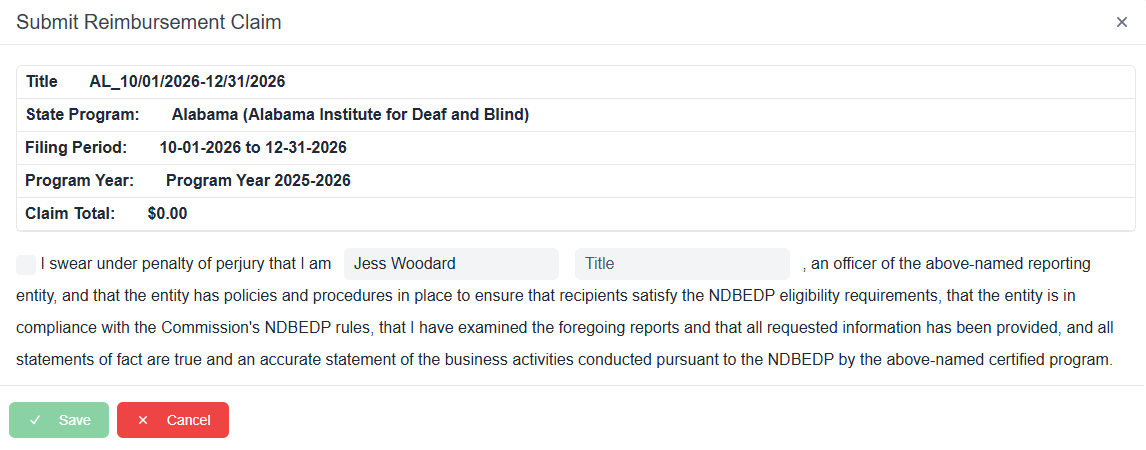
Select Submit from the drop-down menu. The Submit Reimbursement Claim pop-up window appears.
-
Select the Attestation checkbox.
-
Enter your title into the Title field.
-
Select Save.
Once you submit your Reimbursement Claim, you will receive an email regarding its status. Reimbursement Claim statuses are: Initiated, Submitted, Revision, Rejected, Reviewed, Approved, Payment Requested, or Payment Completed.
If you receive an email notification that your Reimbursement Claim was rejected, make the modifications to your Reimbursement Claim as specified in the email and follow the steps above to re-submit your claim.