
This function requires the manage_users role.
Use the following steps to invite a new user to access the Rolka Loube Authenticator.
-
Sign in to the Rolka Loube Authenticator.
-
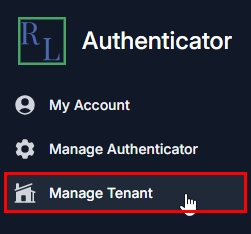
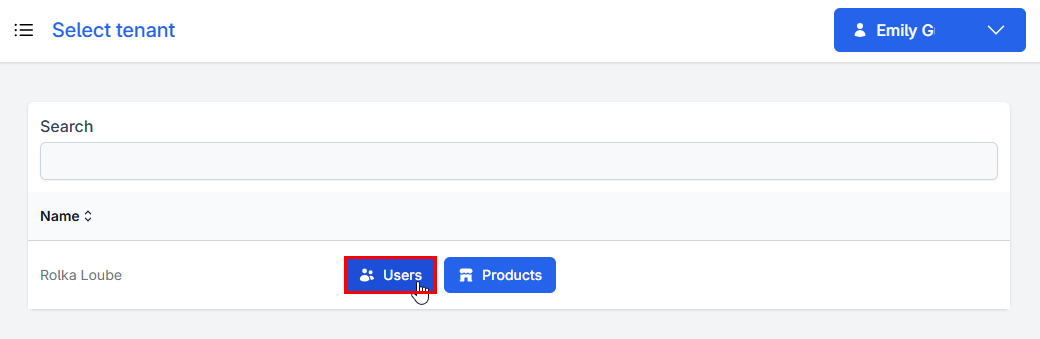
Select Manage Tenant from the navigation panel on the left. The Select Tenant page appears.
-
Select Users next to your assigned tenant. The Manage Users page appears.

-
Select Manage Invites. The Invites page appears.

-
Scroll down and enter the email of the user you want to invite in the Email field below Invite new user.
-
Select Invite.