
This function requires the manage_apps role.
Use the following steps to view the resource servers available for a product.
-
Sign in to the Rolka Loube Authenticator.
-
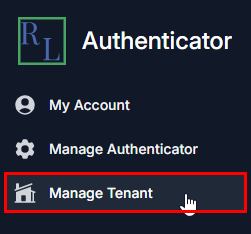
Select Manage Tenant from the navigation panel on the left. The Select Tenant page appears.
-
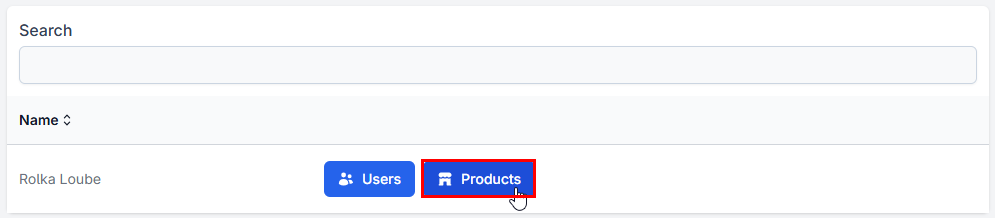
Select Products next to your assigned tenant. The Products page appears.
-
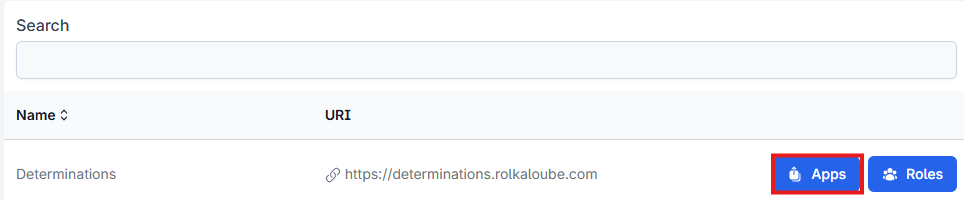
Select Apps next to the product for which you want to view resource servers. The Applications page appears.
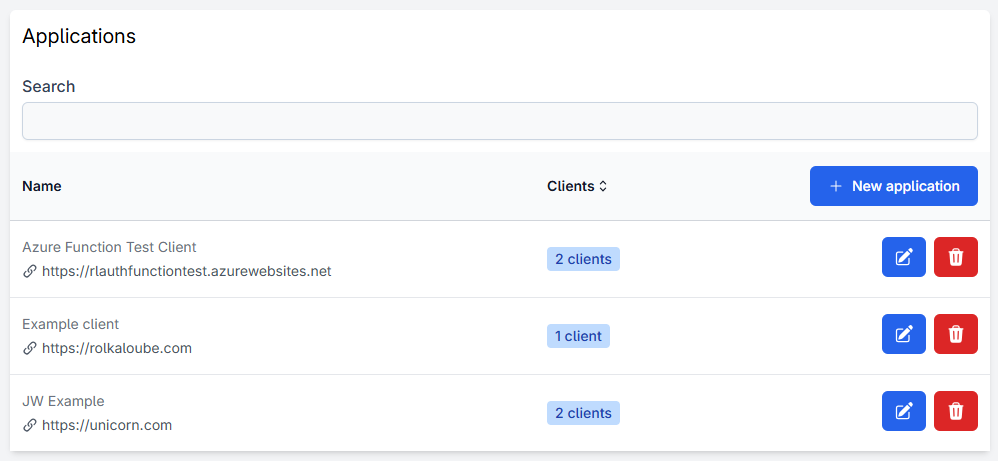
Note: If there is no list of resource servers, it means the application does not offer API access through the Authenticator. Consult the product’s documentation for more information.