
Use the following steps to rotate a client secret for an application.
This function requires the manage_apps role.
-
Sign in to the Rolka Loube Authenticator.
-
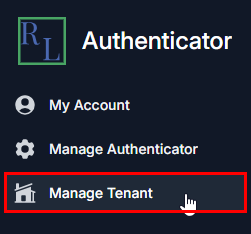
Select Manage Tenant from the navigation panel on the left. The Select Tenant page appears.
-
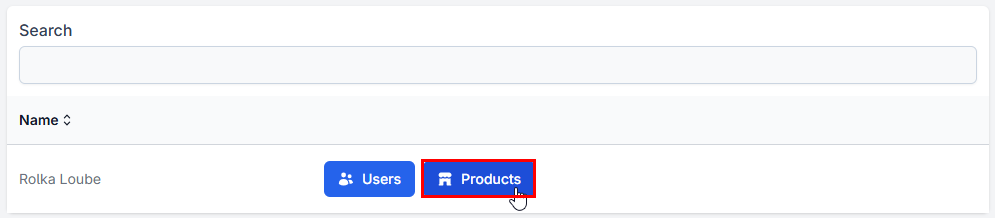
Select Products next to your assigned tenant. The Products page appears.

-
Select Apps next to the product for which you want to rotate the client secret. The Applications page appears.
-
Select the pencil icon next to the application you want to view. The Details page appears.
-
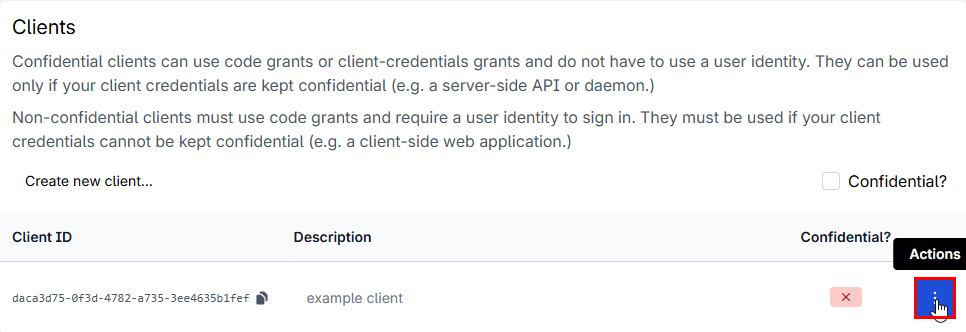
Scroll to the bottom and select the three dots next to the client for which you want to rotate the secret.
-
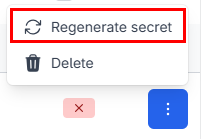
Select Regenerate Secret from the drop-down menu.
-
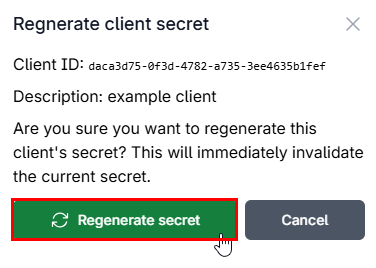
Select Regenerate secret on the Regenerate Client Secret pop-up window.
-
Copy the new secret and store it in a secure location.