
This function requires the manage_users role.
Use the following steps to resend an expired invite or revoke and existing invite.
-
Sign in to the Rolka Loube Authenticator.
-
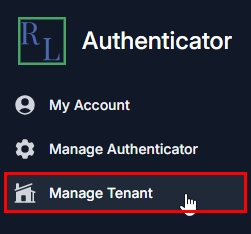
Select Manage Tenant from the navigation panel on the left. The Select Tenant page appears.
-
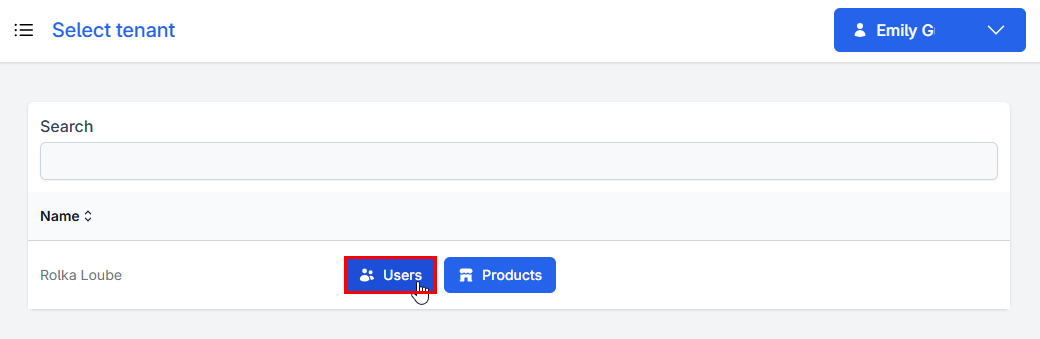
Select Users next to your assigned tenant. The Manage Users page appears.

-
Select Manage Invites. The Invites page appears.
-
Select one of the following:
Invited Users -
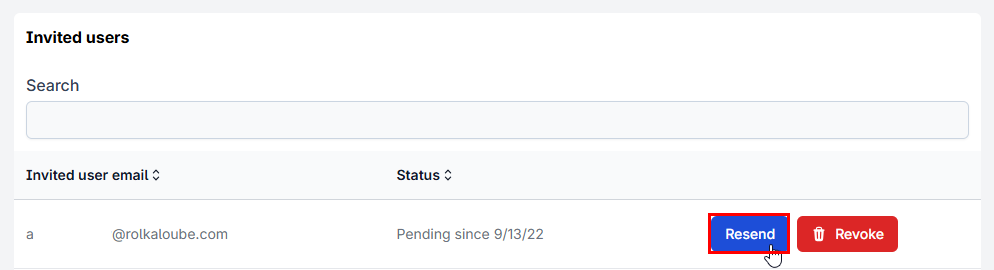
Resend to resend an expired invite.
Invited Users -
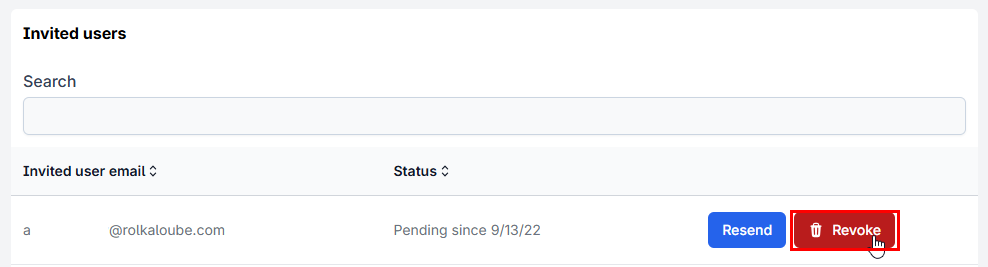
Revoke to revoke an existing invite.
-