
Use the following steps to sort Equipment.
-
Log in to the NDBEDP Centralized Database. The NDBEDP Centralized Database Home page appears.
-
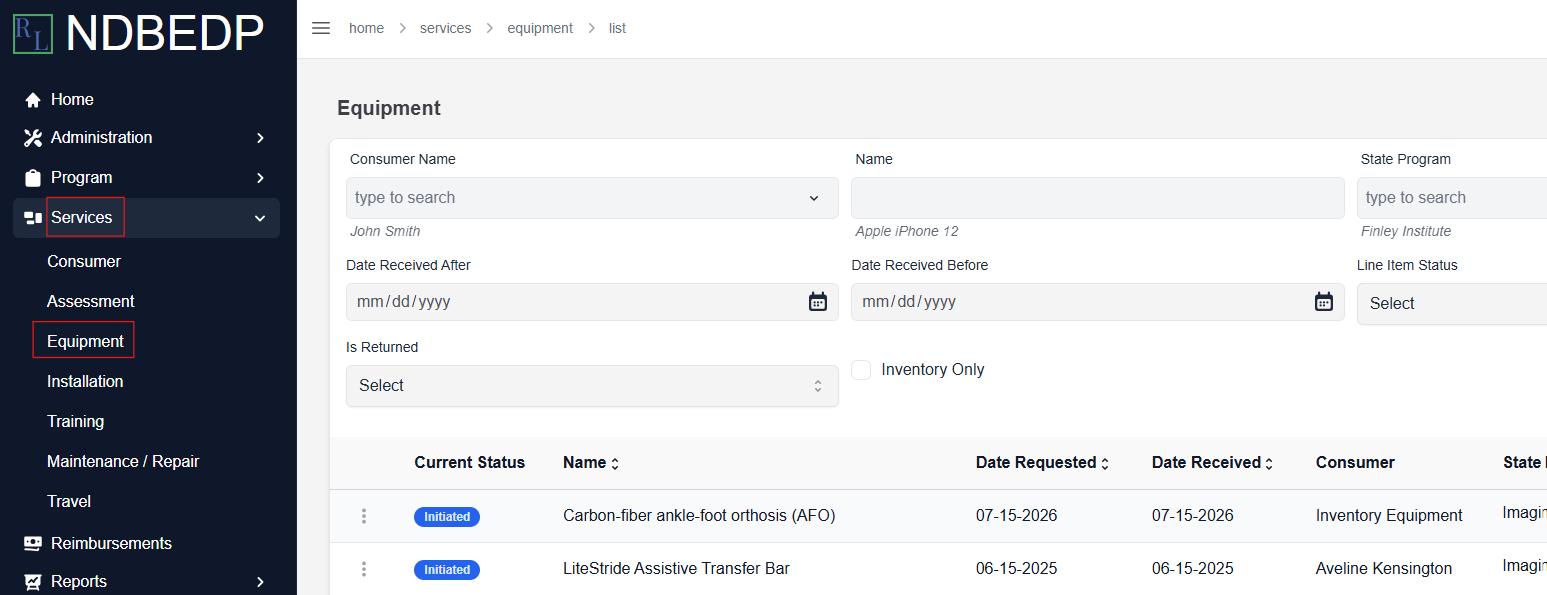
Select Services from the navigation panel.
-
Select Equipment from the drop-down menu.
-
Select the down arrow to the right of the item you would like to sort by to sort in ascending order.
-
Select the up arrow to the right of the item you would like to sort by to sort in descending order.