
The First Contact Upload allows entities to upload a spreadsheet containing their consumers and first contact date to be imported into the Centralized Database.
Upload First Contact Dates
-
In the navigation panel, select Reports, then First Contact Upload.
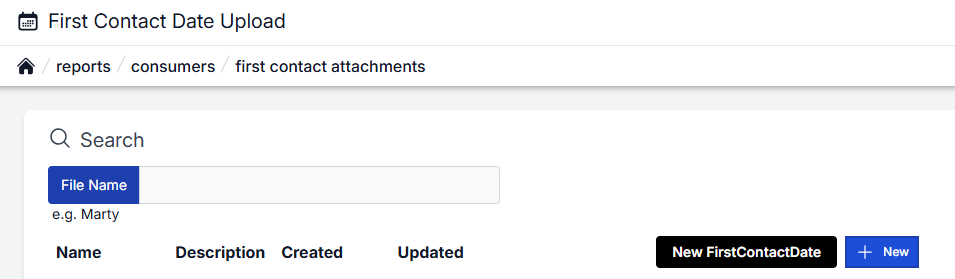
-
Select + New. The Upload First Contact Dates page appears.
.png?cb=6b15f264de0a34d665a2e5253e755323)
The State Program will auto-populate.
-
Select Upload a file or drag and drop a file into the File box.
The file must be in .xls or .xlsx format.
-
Select Save. A confirmation message appears in green.

Search First Contact Upload
-
In the navigation panel, select Reports, then First Contact Upload.
-
Enter the name of the file you want to search in the File Name box.